
Crimson Moon redeem codes: current status and how to redeem them
Looking for Crimson Moon redeem codes? The official pages explain where armor-set and promotional codes can be redeemed, but they do not publish a public list of active code strings. If you already have a code, use the matching official route below and enter it exactly as received.
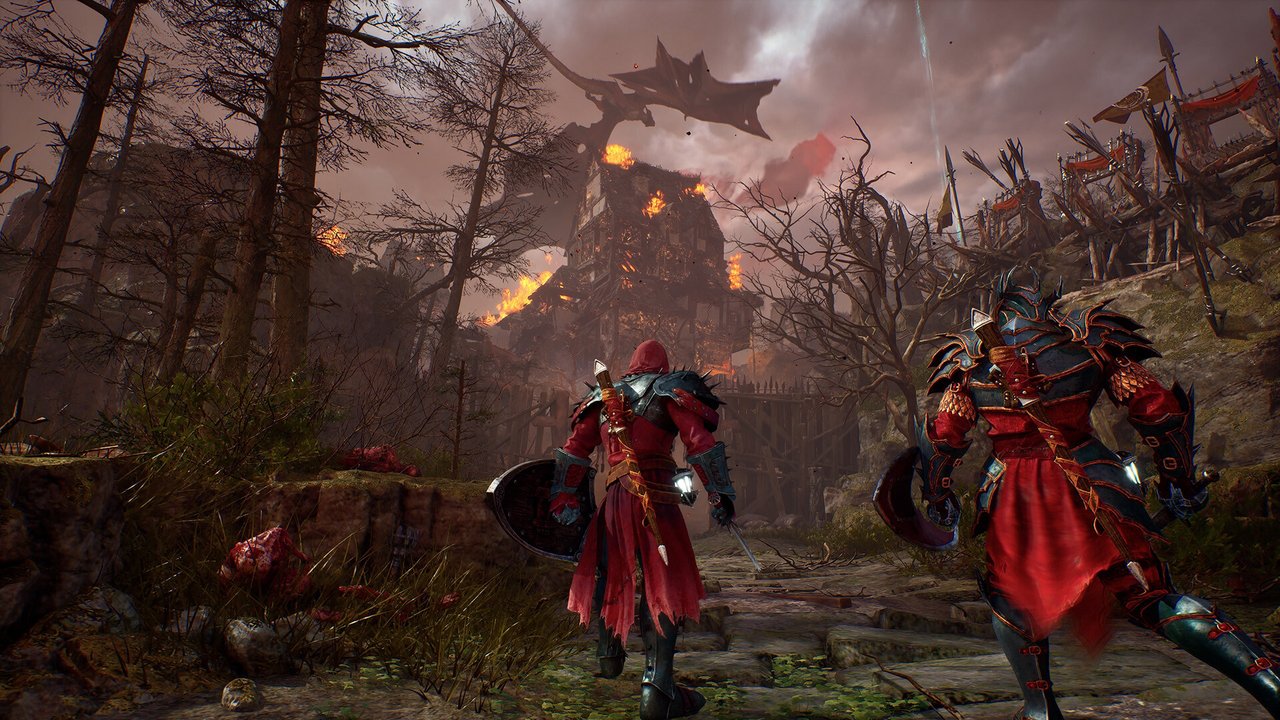
What is known about Crimson Moon redeem codes?
There are official redemption routes for Crimson Moon content, including armor-set codes and codes from promotions, creators, or pre-order bonuses. The official instructions rechecked on September 18, 2026 describe the redemption process but do not provide a public code list that can be verified here.
The official armor-code article also links to First Look ↗ (external; new tab) and the official Discord for opportunities to obtain armor. That is a campaign route, not a public code string or a guarantee that a reward is currently available to every account. Use a code received through a specific official campaign or entitlement. Do not treat a random “working codes” list, generator, DLL, trainer, or account request as an official Crimson Moon reward.
Redeem in the game menu
The official support article directs players to the Main Menu’s Redeem Code option, then the Armory after a valid redemption.
Use the official account route
Codes from a promotion, creator, or pre-order bonus can be entered on the ProbablyMonsters Account page.
A redeem code is not a co-op join code
A reward code unlocks content. A session join code is used to enter a friend’s multiplayer game; see the Crimson Moon co-op guide for that separate flow.
How to redeem a Crimson Moon armor set code in-game
Use this route when the code is intended for an armor set and you received it for Crimson Moon. The official support instructions do not require a third-party launcher or download.
- Open the Crimson Moon Main Menu.
- Select Redeem Code.
- Enter the code exactly as received, including capitalization and spacing.
- Select Enter and wait for the on-screen result.
- If the code is accepted, open the Armory to access the new armor set.
Confirm that the redemption message succeeded, then check the Armory on the account that submitted the code. If the code was already used or belongs to another account, the official support route is the next step.
How to redeem a Crimson Moon promo or pre-order code
ProbablyMonsters also provides an account-based redemption route for codes from a promotion, creator, or pre-order bonus. This is separate from the in-game armor-set menu.
- Open the official ProbablyMonsters redemption page ↗ (external; new tab).
- Sign in with the platform account connected to your game entitlement.
- Open Redeem a Code.
- Enter the code and select Redeem.
- Open Redemptions to confirm the account’s redemption history.
The official account guide says redeemed content is added to the account and notes that codes can be case-sensitive or expire after a stated date.
What to check when a Crimson Moon code does not work
Steam Deck keyboard missing: the official 1.0.2 release notes ↗ (external; new tab) list a fix for the on-screen keyboard not opening from Main Menu → Redeem Menu. Update first and record the installed version if it still fails. This is an input problem, not proof that your code expired.
Accepted code but armor missing: the same notes address premium armor unlocks tied to marketing entitlements not displaying correctly. Keep the success message and check the Armory on the receiving account before reporting it. A display fix does not issue a new code or establish eligibility for a promotion.
| Symptom | Low-risk check | What the evidence supports |
|---|---|---|
| Invalid or rejected code | Re-enter it carefully and remove accidental spaces. | The official support instructions specifically call out letter case and spaces. |
| Code was already used | Check the account’s Redemptions history and confirm which account received the code. | A code may have been submitted previously or for a different account. |
| Code has expired | Review the promotion or entitlement terms for an expiration date. | The official account guide says codes may expire; it does not make every code permanent. |
| No confirmation or missing content | Keep the original code source and contact official customer support. | Do not install an unverified “code unlocker” or give a third party your account credentials. |
For the official armor-set instructions, read How to redeem armor set codes ↗ (external; new tab). For account-based codes, use the official ProbablyMonsters account guide ↗ (external; new tab).
Crimson Moon codes FAQ
The official pages checked explain how to redeem armor-set and promotional codes but do not publish a public list of active code strings. Use a code from an official promotion, creator campaign, or pre-order entitlement.
Do not assume so. A Steam game key activates the game, while the reward codes covered on this page unlock eligible armor or promotional content. Check the seller’s exact listing and edition contents before purchase.
It is a reward code for an eligible armor-set or promotional entitlement. Redeem it through the official in-game or ProbablyMonsters account route; it is not the same as a multiplayer join code.
Open the Main Menu, choose Redeem Code, enter the code exactly as received, and select Enter. A valid code should confirm the reward and make the armor set available in the Armory.
Sign in to the official ProbablyMonsters Account page, open Redeem a Code, enter the code, and select Redeem. Successful redemptions are recorded on the account.
Check capitalization, spaces, previous redemption, account ownership, and possible expiration. If it still fails, contact official customer support.
Further reference: ProbablyMonsters Crimson Moon page ↗ (external; new tab).